
Better editshappen together.
Tandem is your creative partner. Point at a moment in the Script, describe what you want, and Tandem makes the change in your own timeline, then remembers what you prefer.
Shape it together.
Pick a line. Make a change. Watch the same edit take shape.
Your edits will appear here.
Select a script line, then try an edit.
Script, captions, and A1 are illustrative; the stock clips have no spoken audio. Edits run only in your browser. Tandem's Mac app works on your real timeline in Resolve or Premiere Pro.
Point at the moment.
Say what you want.
Tandem is a partner, not an autopilot. You direct every change in plain words, and nothing happens to your edit until you apply it.
Point at the moment
Select the words in the Script, or a pause between them. The Script is your edit, written out.
Say what you want
Cut this. Punch in here. Use the other shot. Your AI reads the note and proposes a change for this edit.
It all happens in your editor
Tandem makes the change in your own timeline, reads it back, and keeps a snapshot. Undo, expand, tweak, everything is still yours.
One Style.
Every editor.
A Style says how your videos should feel: the pacing, the captions, when to punch in. Resolve and Premiere Pro each make it happen their own native way, and what you teach your Style carries across both.
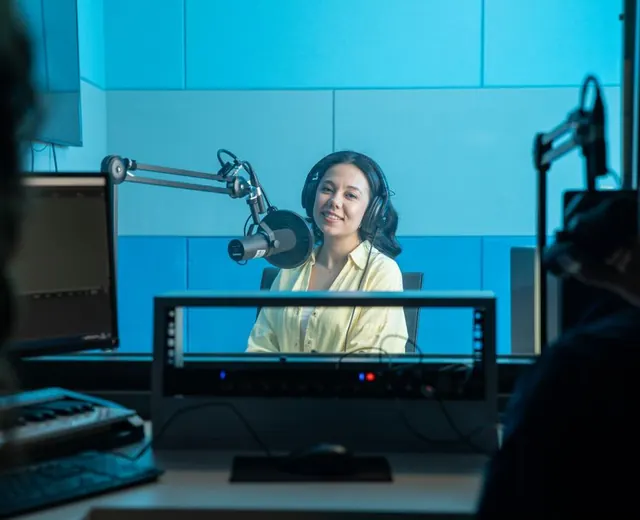 Podcast Clip
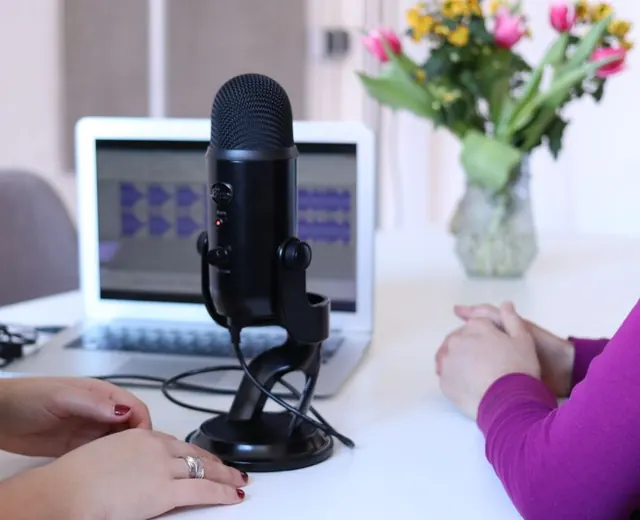 Interview
 Tutorial
 Testimonial
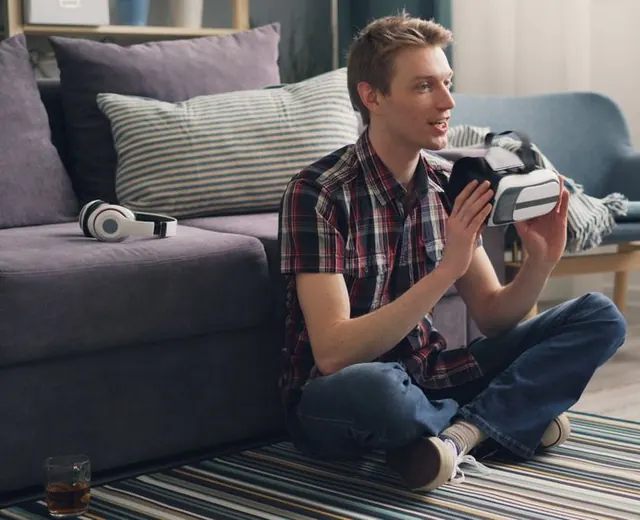 UGC Ad
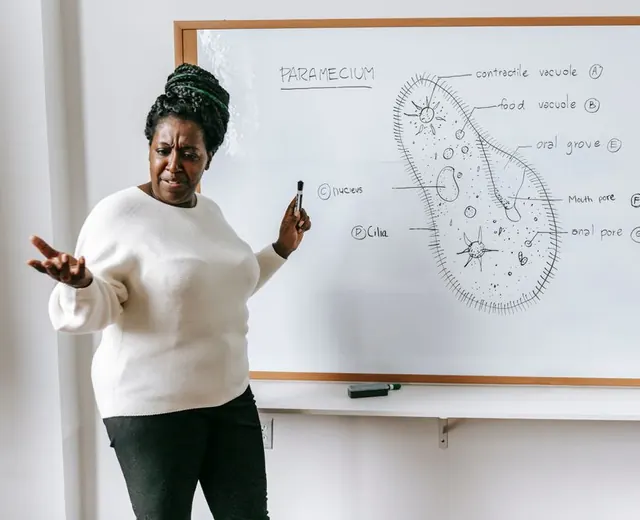 Educational Short

Better edits
happen together.
Your media and your projects stay on your Mac.
Get Tandem for Mac